
More ways to shape your input
Explore Squircle, Wide Diamond, X, Figure-8, Spiral and Helix alongside the existing oval options.
THE LATEST FROM TARANTULA
Fall artwork, stick shaping and custom curves. Follow the latest release progress here.
Tarantula Pro · v1.2.4.14

Tarantula Pro Dragon Update · v1.2.4.14
Themes & appearance
Macro menu
Macro controls
Dedicated windows
Fixes & packaging
Tarantula Pro · Fall Edition
Fall Edition · Public download being finalized
Wolf, Grizzly Bear and Moose bring autumn landscapes to Tarantula Pro, alongside stick shaping, controller calibration and custom curves.

Explore Squircle, Wide Diamond, X, Figure-8, Spiral and Helix alongside the existing oval options.
Choose 5 or 10 editable points, drag on the graph, or enter Input and Output values. Includes the original response curves plus Sacred and Kioshi.
Explore the Fall artwork across Stick Filtering, Calibration and Custom Curves, with coordinated designs for the main and advanced menus.

Silver fur, copper leaves and deep autumn woods.

A powerful grizzly beside a mountain river.

Broad antlers, golden woodland and a mountain lake.
Artwork previews shown. The final customer download and verified release notes will be posted when packaging is complete.
This release focuses on the Fall experience. Controller support is unchanged. Gyro features are reserved for a later update.
Shape and curve options change how stick input is processed. Their feel depends on your settings and game; they do not guarantee stronger aim assist.
A closer look at your sticks. A whole new look for your setup.

The redesigned Stick Filtering workspace brings left and right stick controls together with visual shape previews. See tall and wide oval patterns alongside the settings you are adjusting.
The new controller calibration view puts both sticks side by side. Compare measured and corrected positions, use auto-centering, and fine-tune horizontal and vertical offsets with clear visual feedback.
Calibration can be saved to an app profile. Saving to controller memory depends on device support.

THE SIGNATURE COLLECTION
Rhino, Elephant, Silverback Gorilla, and Hippo join the preview collection alongside Tarantula, Wolverine, Eagle, Panther, Snow Leopard, and Cobra. Each brings its own artwork and matching controls to the new UI.
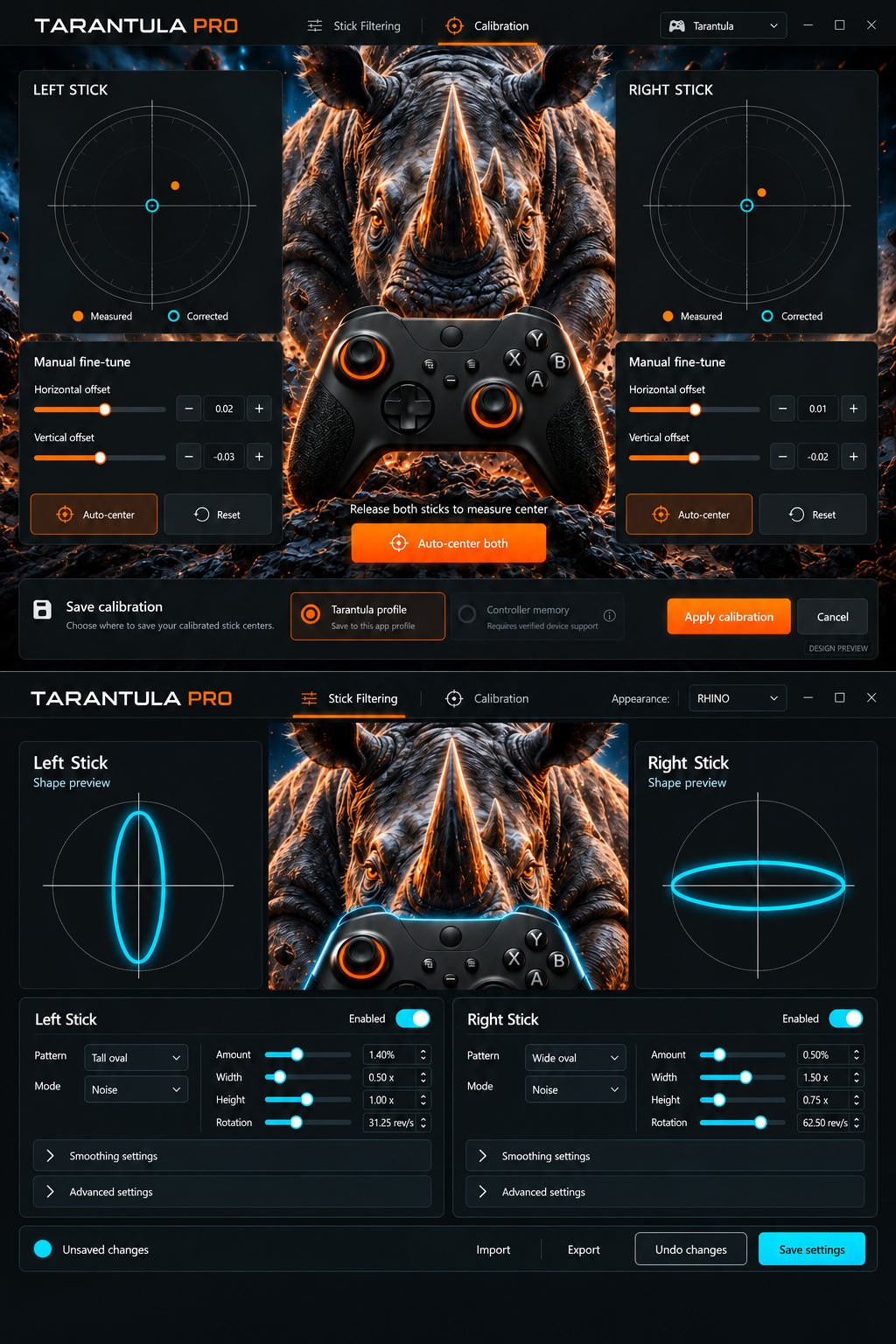
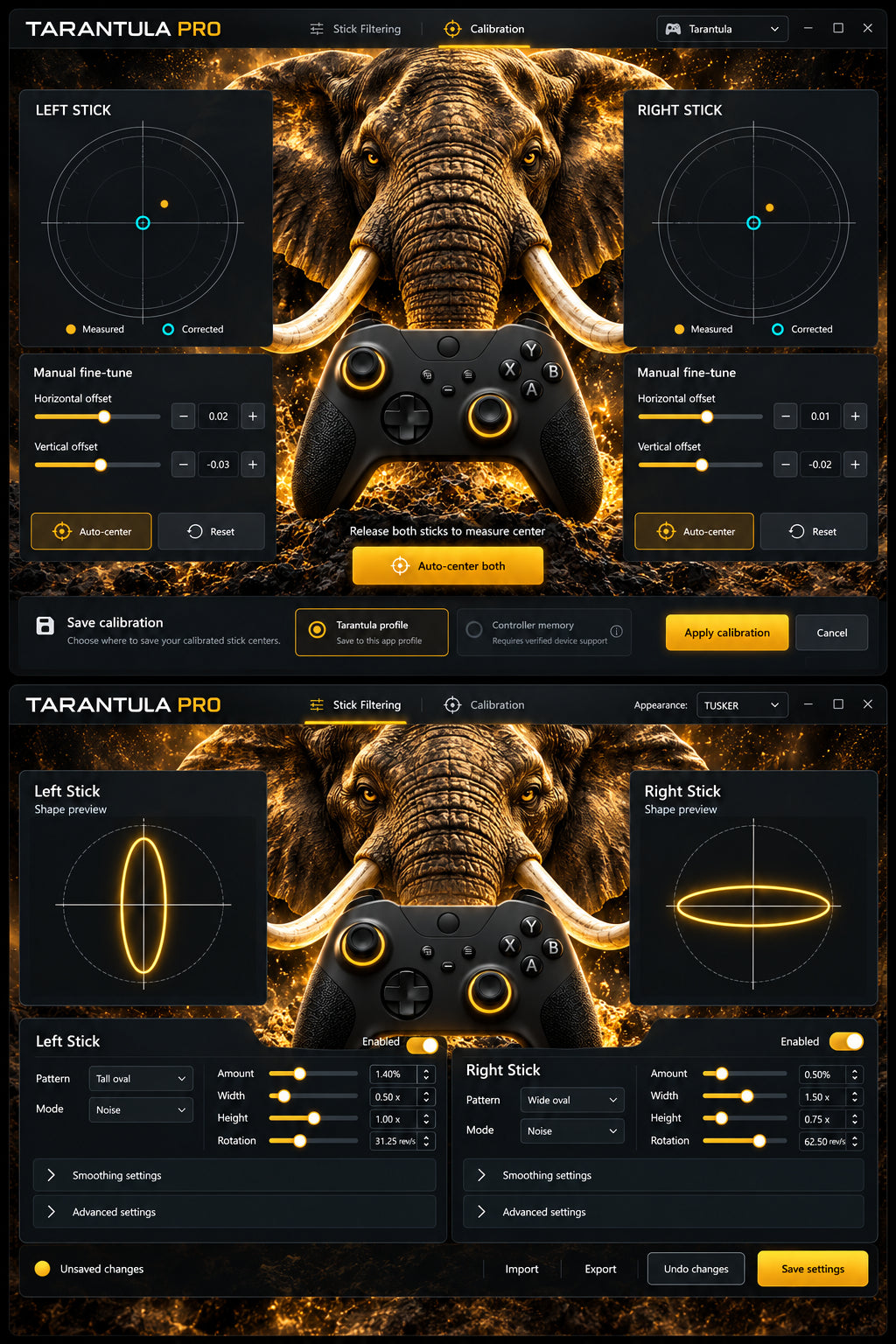
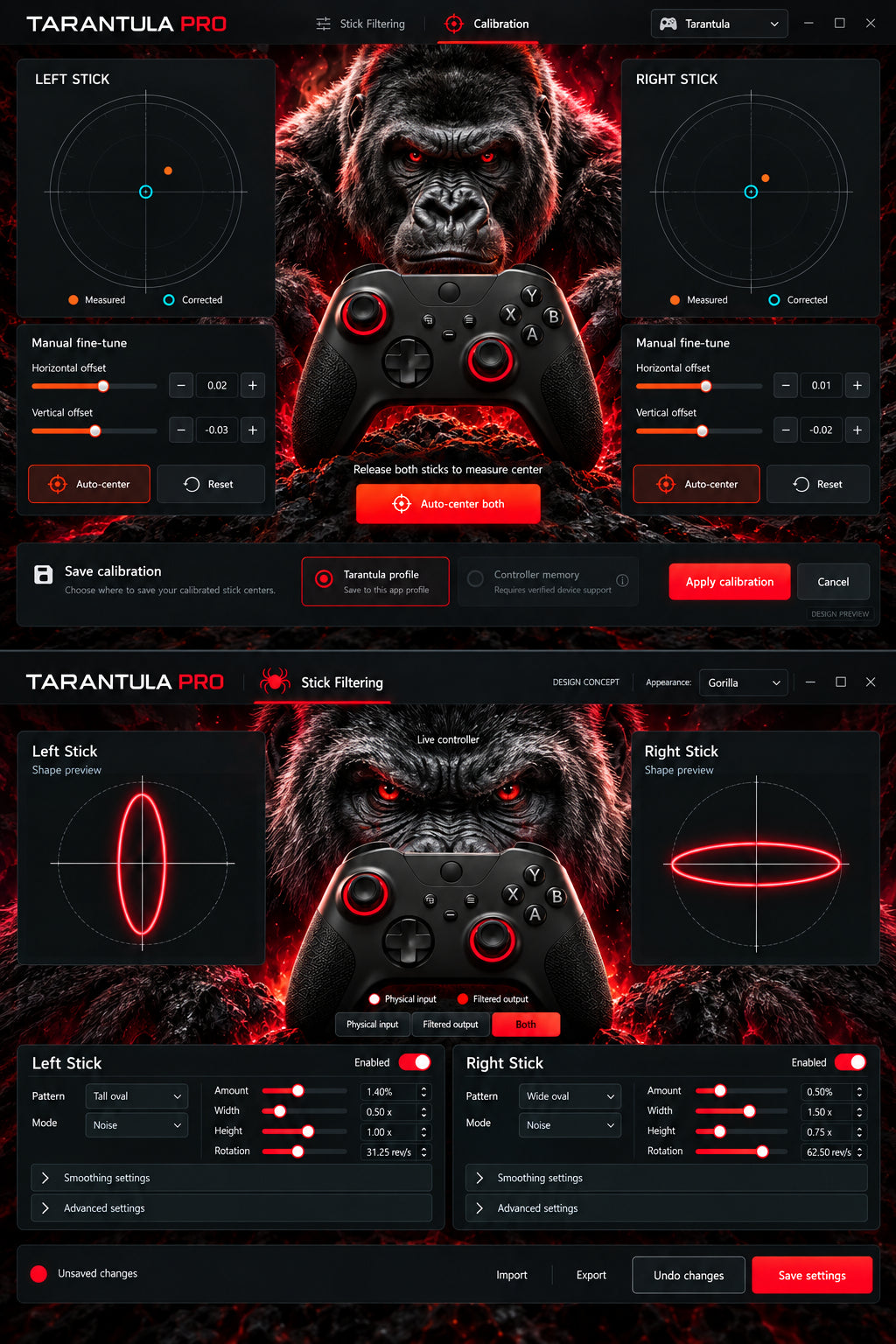
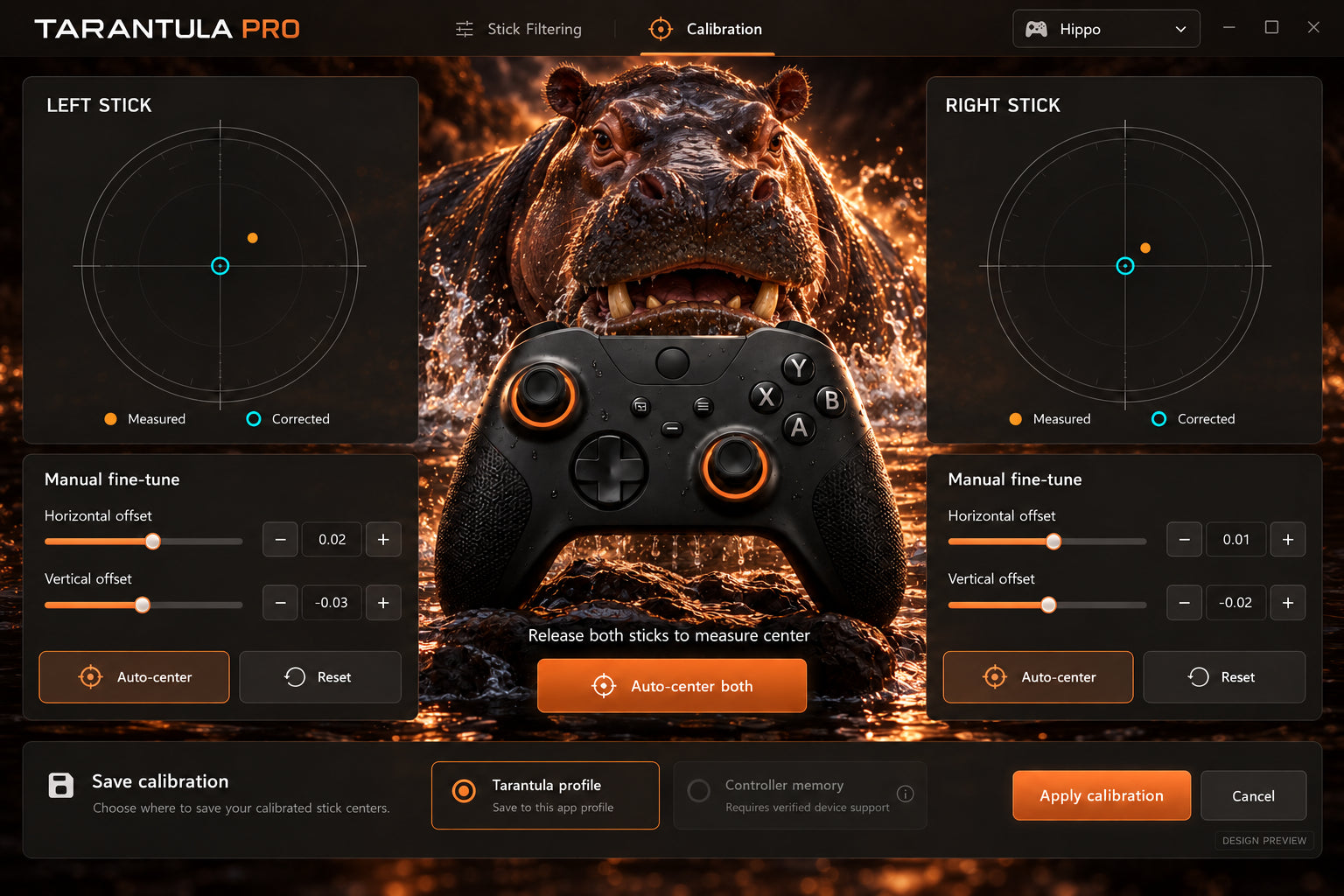
UI preview · Features and theme availability may vary in the final release.
Tarantula, Wolverine, and Eagle bring orange, green, and blue artwork to the app. Choose your theme independently of your controller and keep that choice between sessions.
Preview the themes →G7 support expands your controller choices alongside Tarantula 8K, the supported Wolverine PC model, and compatible PlayStation controllers.
See supported controllers →The compact extra menu now includes function shortcuts. Jump straight to the section you need while keeping the familiar small window and regular scrolling.
Get update help →Follow release news, setup discussions and community updates in Discord.