

Wolf
Silver fur, copper leaves and deep autumn woods.
THE SIGNATURE COLLECTION
Every theme. Every supported controller.
Explore ten animal looks in the new Tarantula Pro UI. Preview the matching colors, stick filtering workspace, and controller calibration screens.
The original signature. Bold orange, deep black, and the unmistakable Tarantula.
Appearance theme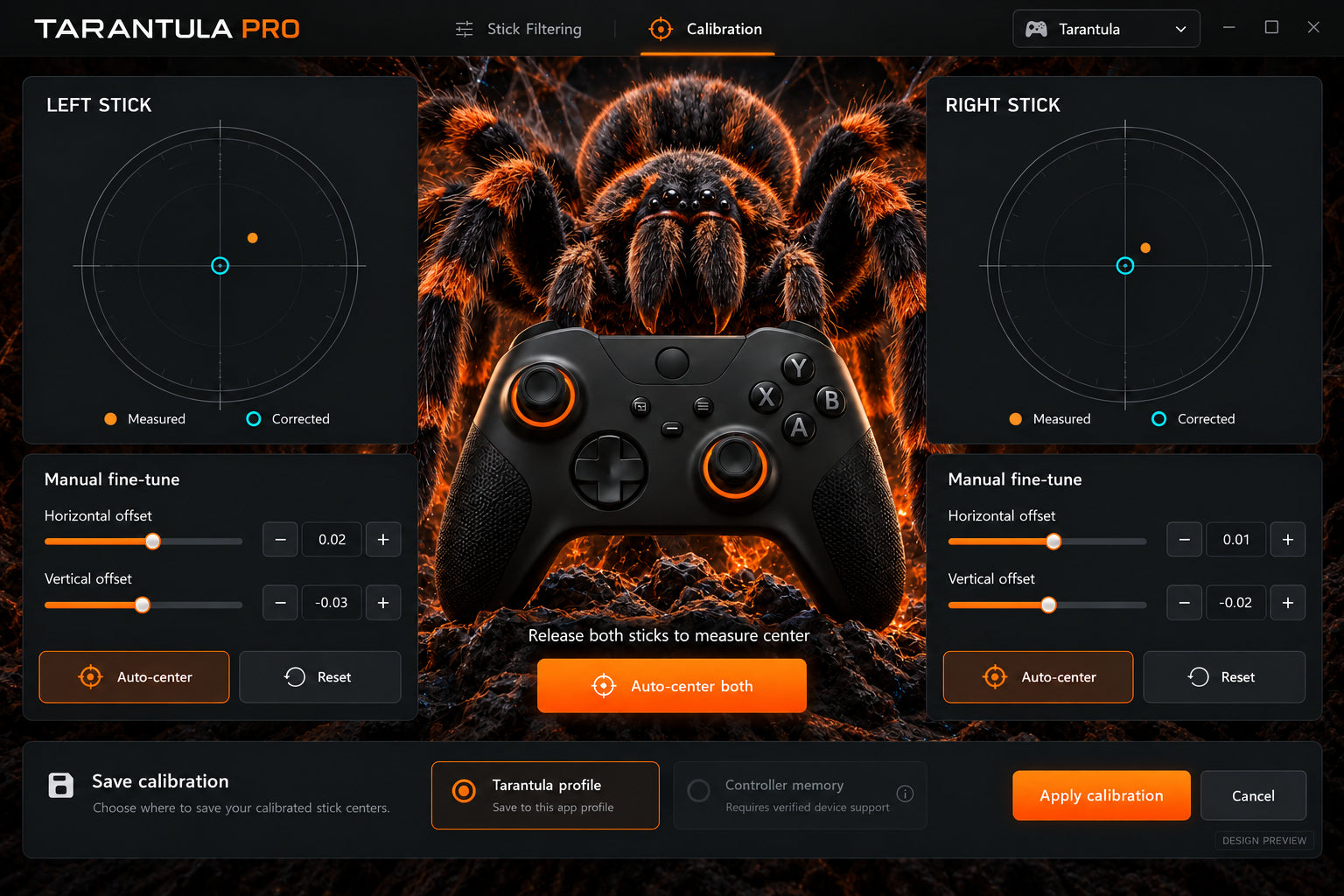
Sharp green. Dark edges. A distinctive look with a little more bite.
Appearance theme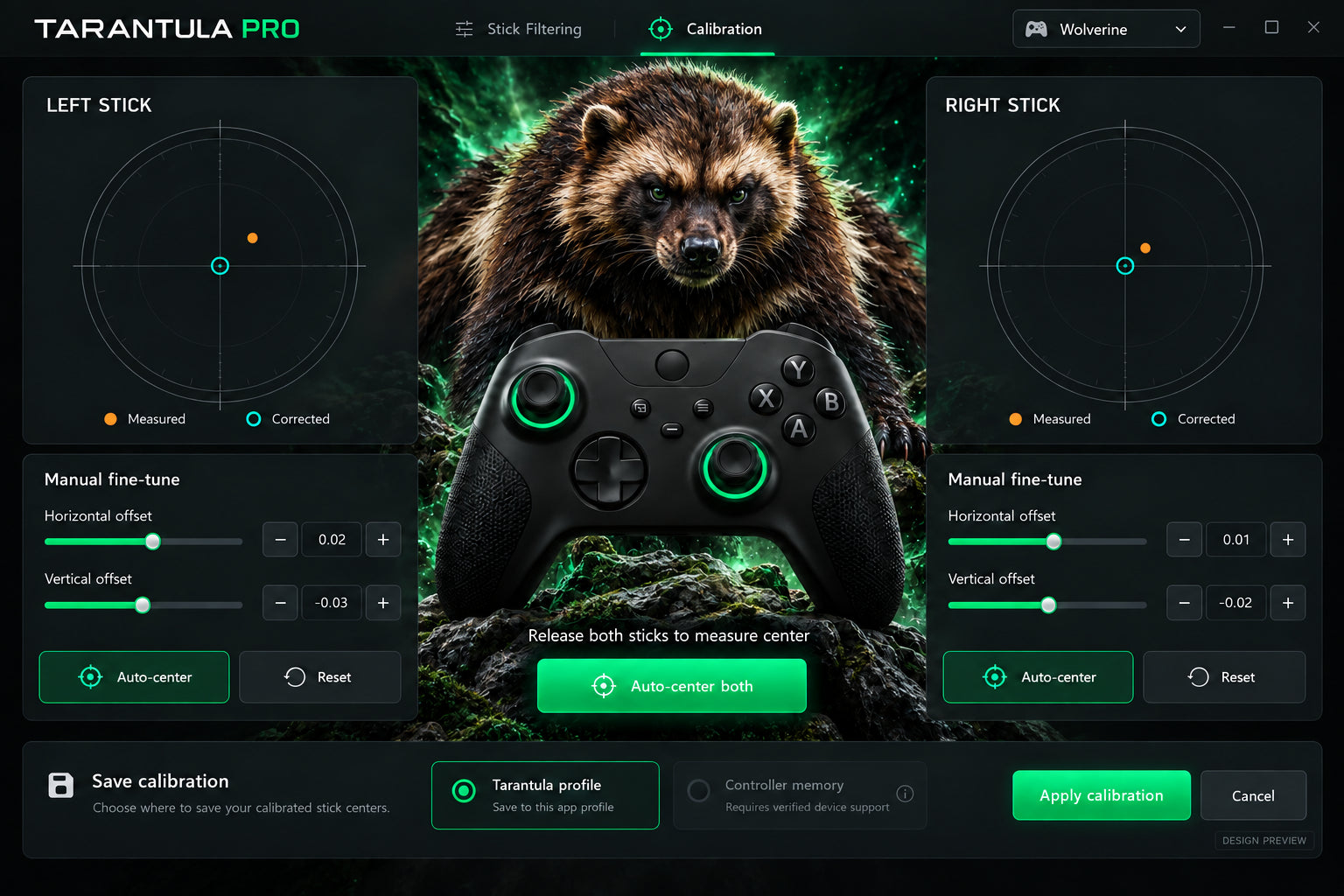
Electric blue and silver. A fresh perspective on your familiar workspace.
Appearance theme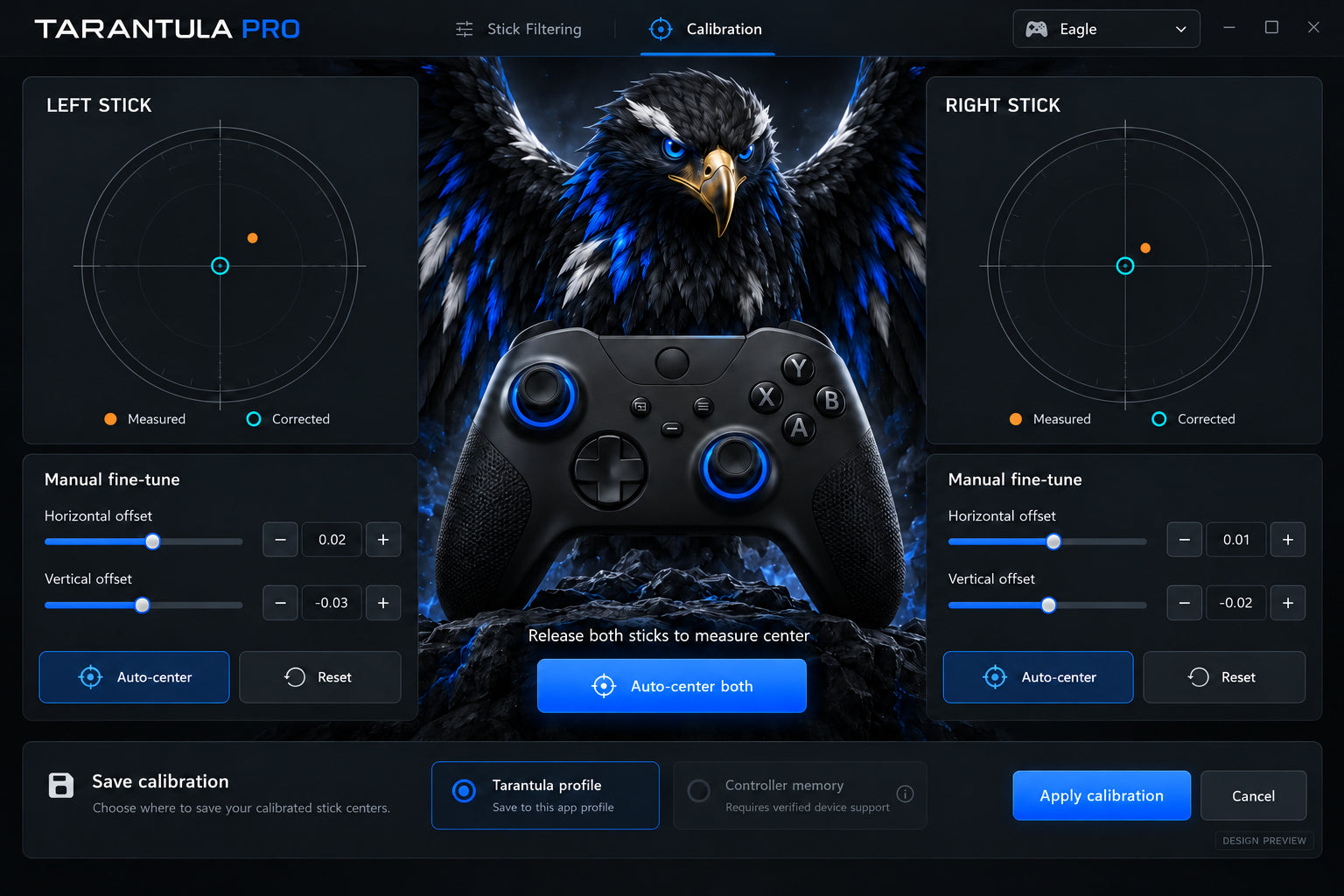
Turquoise, crimson and gold artwork with a dragon at the center.
Appearance theme
Move in silence. Deep violet, black, and a fierce Panther signature.
Coming soon · Theme preview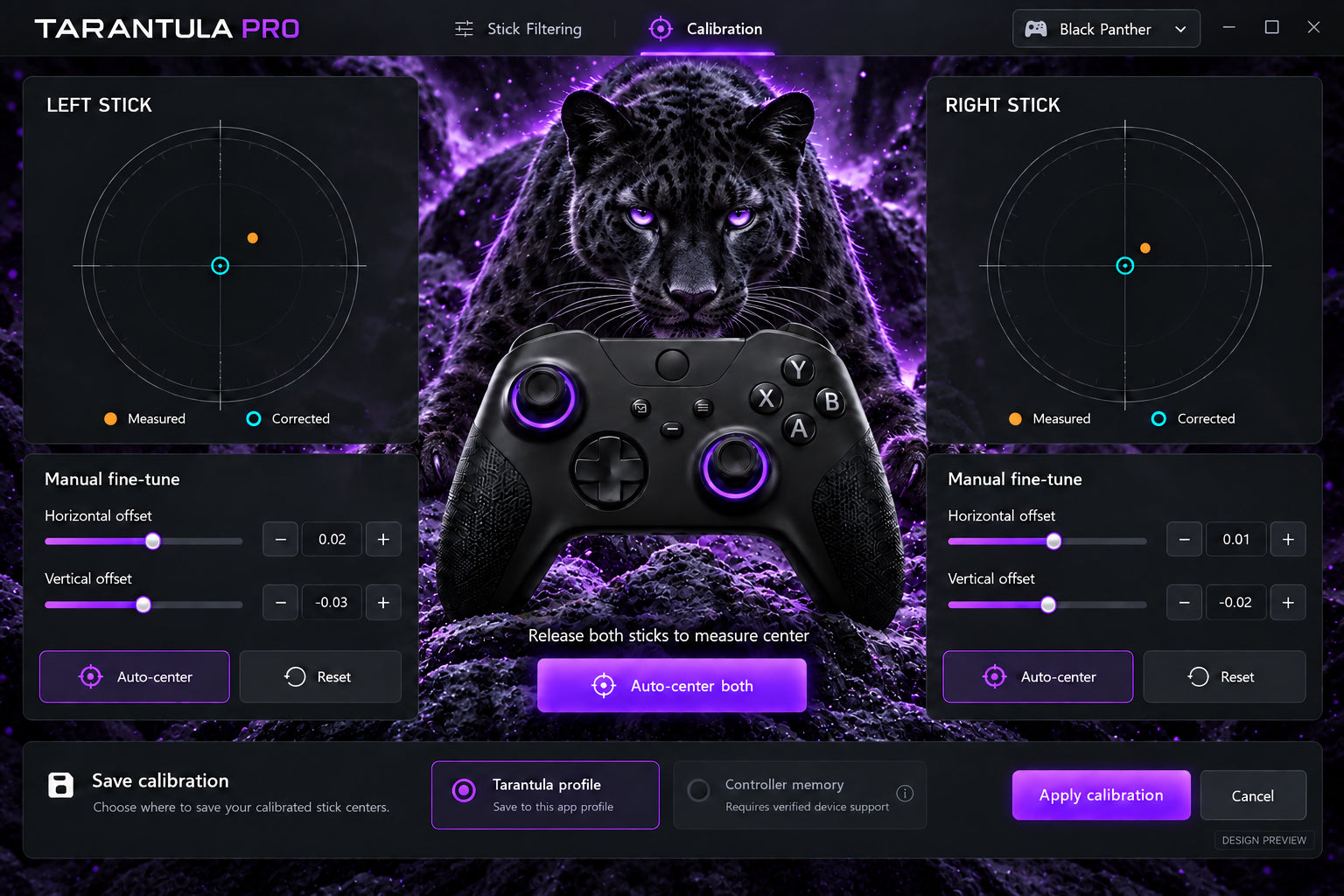
Stay focused. Icy teal, silver, and the unmistakable Snow Leopard.
Coming soon · Theme preview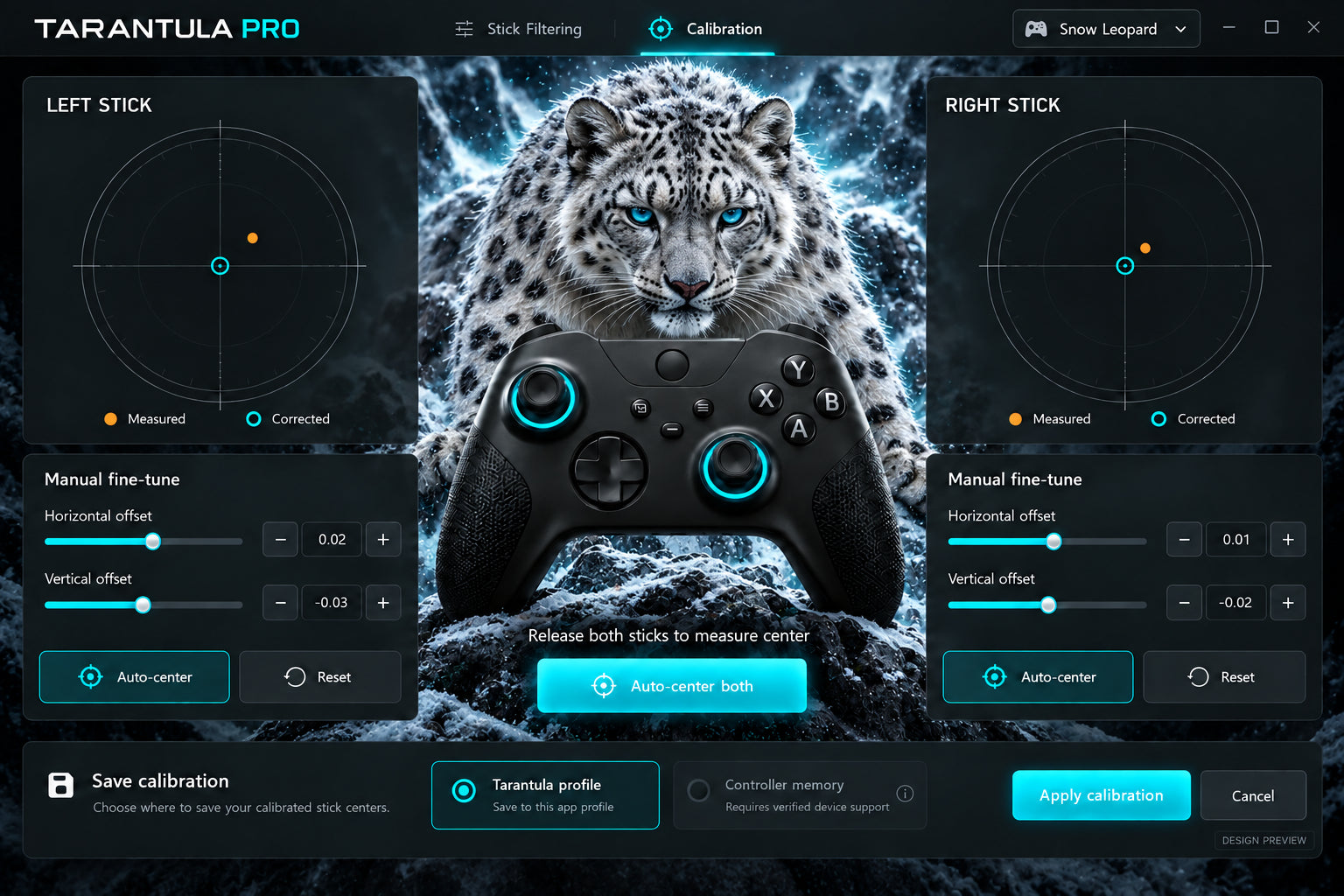
Make your move. Electric magenta, dark scales, and a striking Cobra signature.
Coming soon · Theme preview
Steel-gray armor, amber detail, and cyan filtering accents. A powerful new look for your workspace.
Coming soon · Theme preview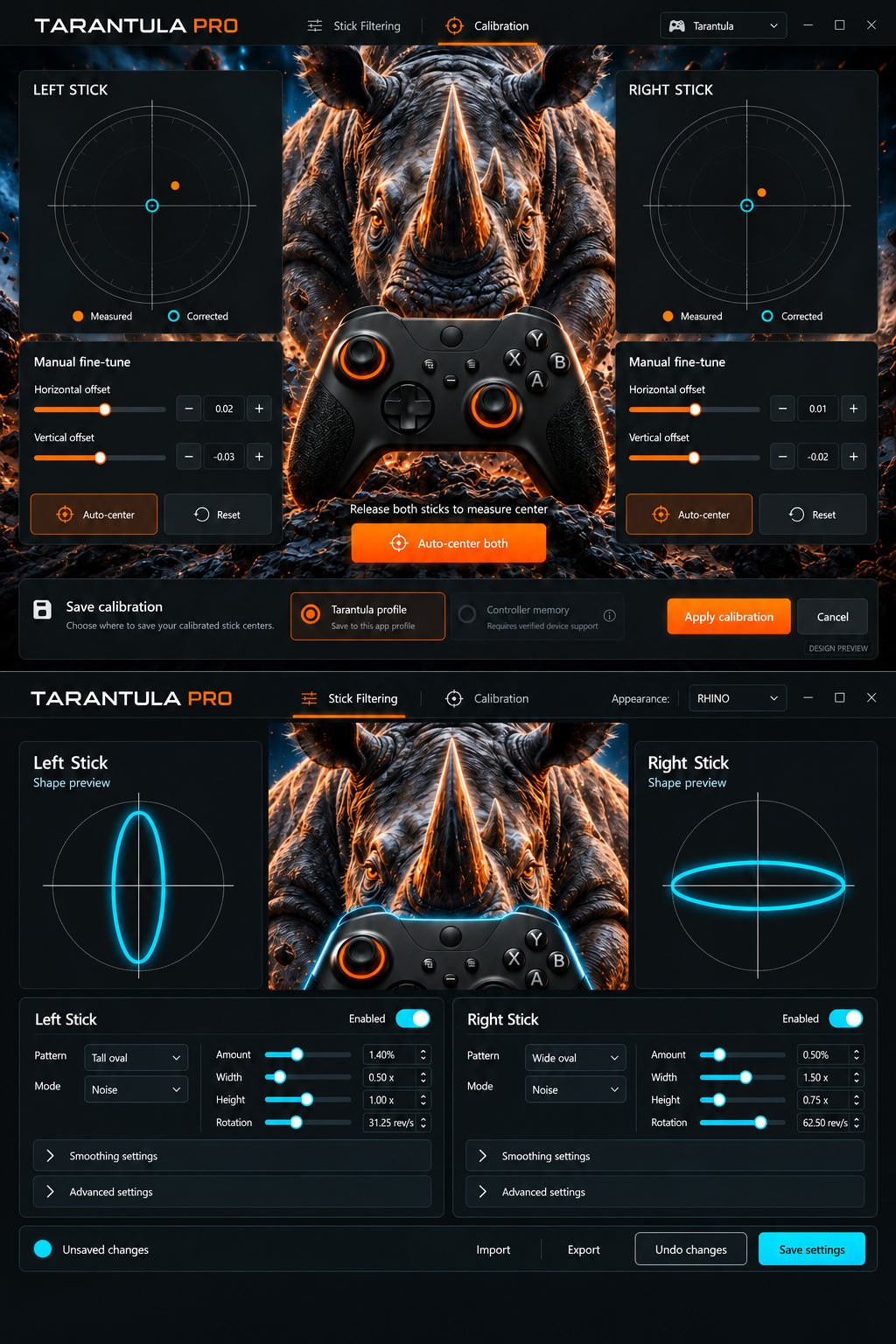
Golden highlights and a commanding elephant centerpiece. Big presence. A familiar workspace.
Coming soon · Theme preview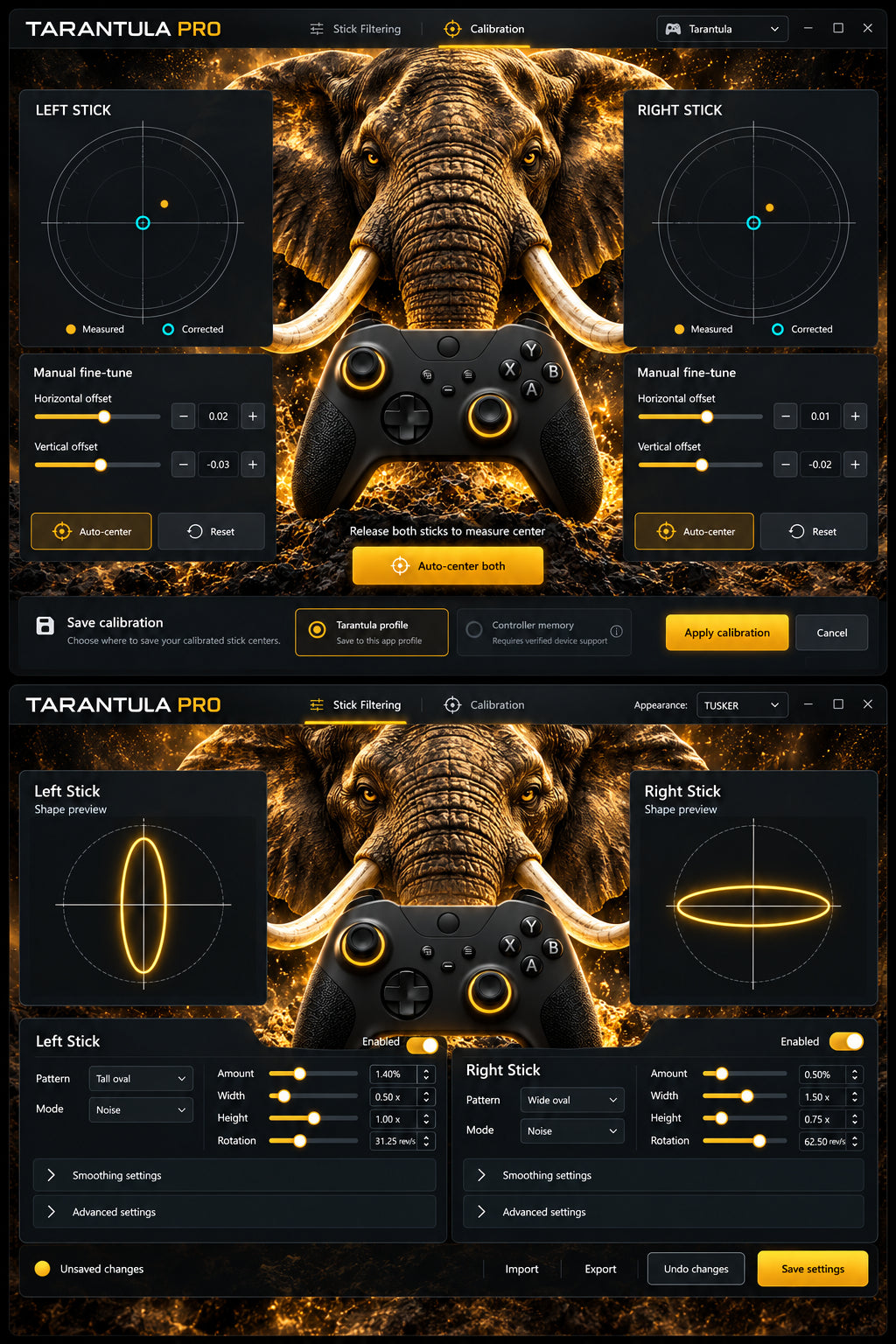
A silverback in deep shadow, framed by crimson controls and dark panels.
Coming soon · Theme preview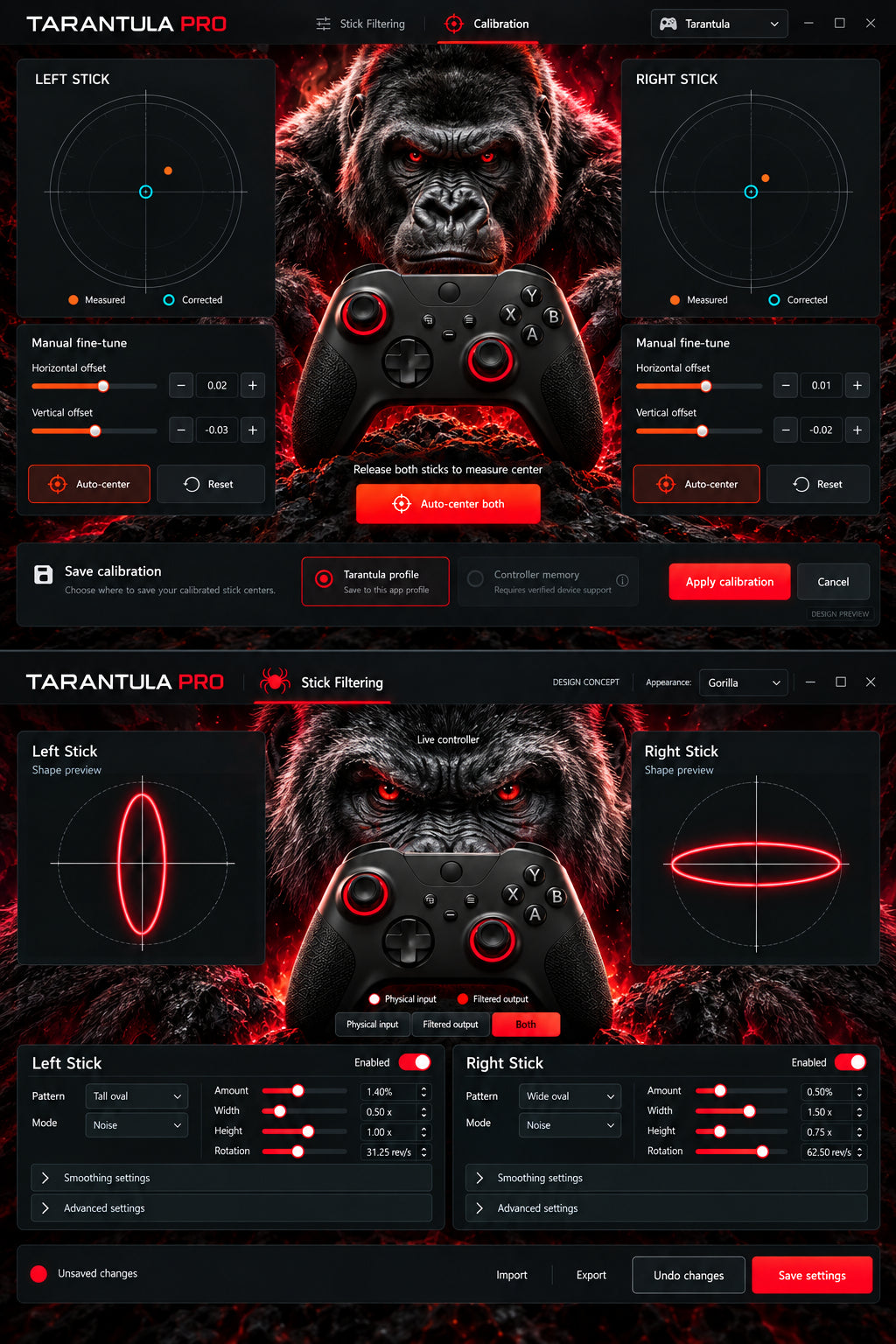
Warm copper accents and a bold hippo centerpiece bring a different kind of presence.
Coming soon · Theme preview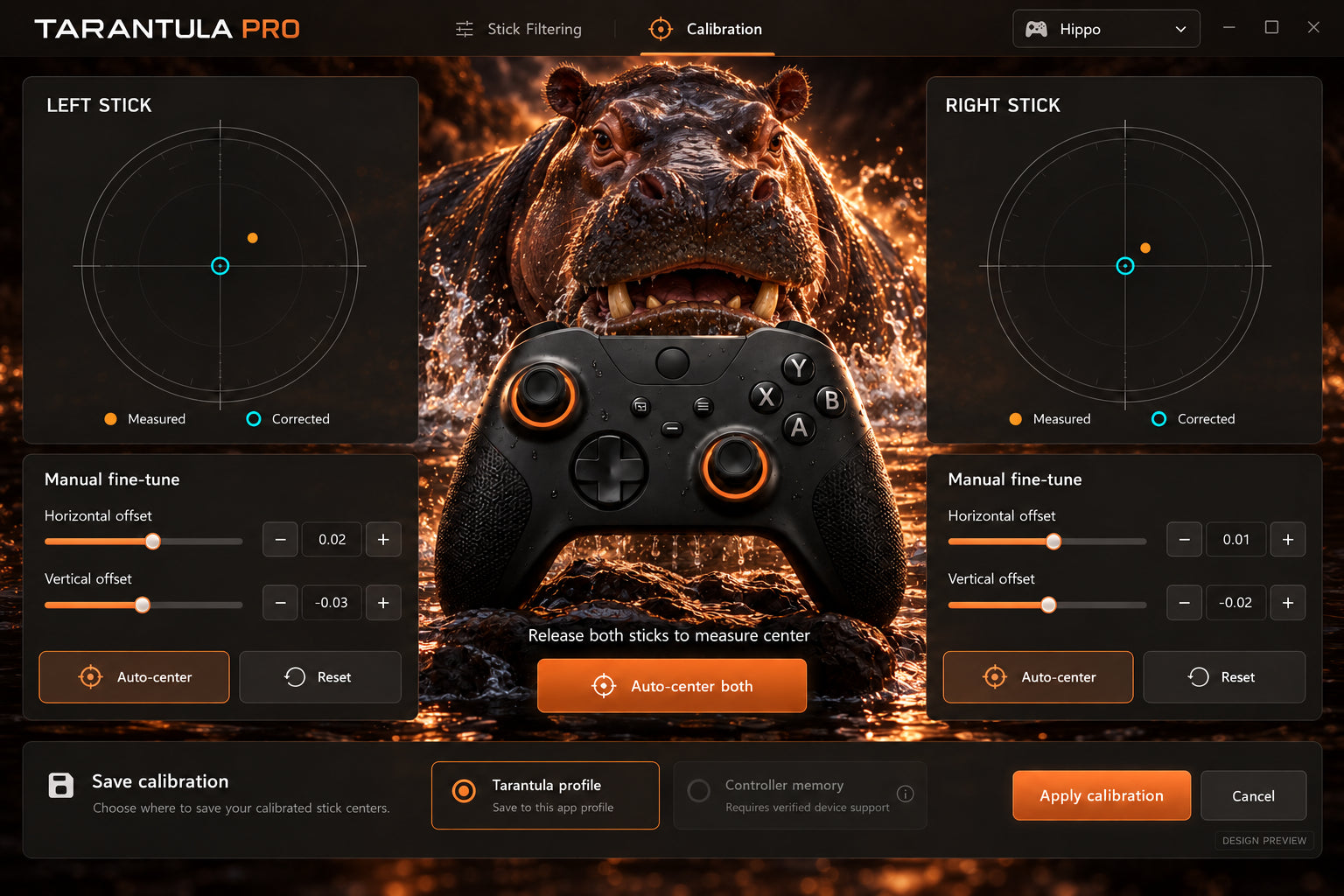
No controller-specific theme locks.
Tarantula Pro · Fall Edition
Fall Edition · Public download being finalized
Three new looks. One wild season.
Meet Wolf, Grizzly Bear and Moose: autumn forests, mountain rivers and still lakes, with a different composition for each workspace.
Silver fur, copper leaves and deep autumn woods.

A powerful grizzly beside a mountain river.

Broad antlers, golden woodland and a mountain lake.
Artwork previews shown. The final customer download and verified release notes will be posted when packaging is complete.
CHANGE YOUR LOOK
In your updated Tarantula app, open the menu options.
Choose an available theme in Menu options → Theme. New wildlife themes and the redesigned UI are previewed here ahead of release.
Your choice is remembered. Your controller settings stay yours.